

Case study · Pix4D
Migrating customer service data from Zendesk to HubSpot
Support and training were the last Pix4D teams working outside HubSpot. Copernic migrated their tickets, processes and knowledge base from Zendesk.
- Goal 01. Streamline costs.
- Goal 02. Centralize all customer data in a single tool.
The project
The whole company on HubSpot.
Except support.
Founded in Switzerland in 2011, Pix4D develops photogrammetry software: it digitizes reality and takes measurements from images captured by plane, drone or phone. More than 55,000 users, with offices in the United States, Germany, Spain, Romania and Japan.
Context
For 3 years, Pix4D had been managing customers, marketing and sales in HubSpot. Technical support and training were still handling requests in Zendesk.
Challenge
Migrate several hundred thousand tickets, sophisticated automations and a multilingual knowledge base.
What we did
Foundations built in a sandbox, tickets migrated via API, processes carried over, knowledge base migrated, teams trained.
Result
All of customer service in HubSpot, centralized data and teams trained on Service Hub.
The challenges
Two tools that look alike.
But don’t work the same way.
Centralize the data
Harmonized management of customer and operational data, to decide faster and make support and training more responsive.
Get the transition right
HubSpot and Zendesk have things in common but differ in many ways. Every Zendesk process needed its HubSpot equivalent.
Train the teams
Prepare support and training to master HubSpot, for successful adoption and stronger customer service.
Two support tools.
One customer view.
Is your customer service still living in another tool? An expert reviews it with you.
What we did
Tickets, processes, licenses.
Nothing left behind in Zendesk.
Tickets migrated via API
In a sandbox: ticket pipelines and properties created, only useful information kept, conversations converted into notes. Then migration via API, with our own scripts.
Processes carried over
Zendesk “Macros” became HubSpot email templates, snippets and workflows. Contact form replicated, inboxes connected.
Licenses linked to tickets
Custom code associates the “Licenses” object with tickets: reliable data, and automatic emails tailored to each license level.
Teams trained on Service Hub
Tickets, pipelines, inboxes, templates, reports, dashboards: hands-on sessions, then Q&A before handover.
Knowledge base
Thousands of articles migrated.
The same URLs.
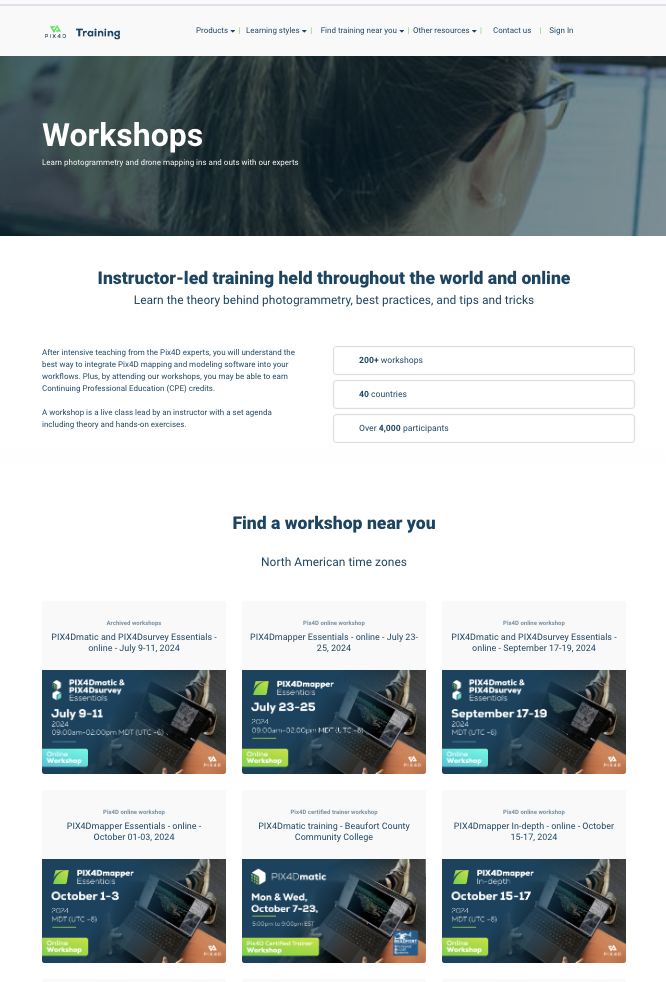
Several thousand articles, in several languages, help Pix4D users find their answers. Migrating them was at the heart of the project:
- Text and images migrated with import scripts, keeping the same URL format
- Articles available in English and Japanese
- Tables reworked to stay close to the original look, and editable by the teams
- Translations linked to one another to switch from one language to another
In their words
Support switched tools.
Pix4D tells the story.
A smooth migration
“Copernic helped us migrate from Zendesk to HubSpot’s ticketing system, and everything went pretty smoothly. Contact with Copernic was easy, Thomas was very available and responsive to each of our questions, and he helped us set up a process so we could do our job, whether that meant finding the matching tool, finding a workaround or helping define a new process.”
Case studies
Other migrations delivered.
With history intact.
CRM migration
Homunity
Migration from Salesforce to HubSpot in under 3 months, with zero data loss.
See the case studyCRM migration
Orixa Media
Secure migration from Pipedrive to HubSpot and team training.
See the case studyCustomer service
Ornikar
HubSpot customer support: incidents resolved 20 times faster.
See the case studyGo further
Is your support team working in another tool?
Bring it home to HubSpot.
An expert calls you back within one business day.